
SherLuck account help: logging in, the Android app and email support
Opening an account, signing in, adding SherLuck to an Android home screen, reaching the support team and using the safer gambling options.
Signing in
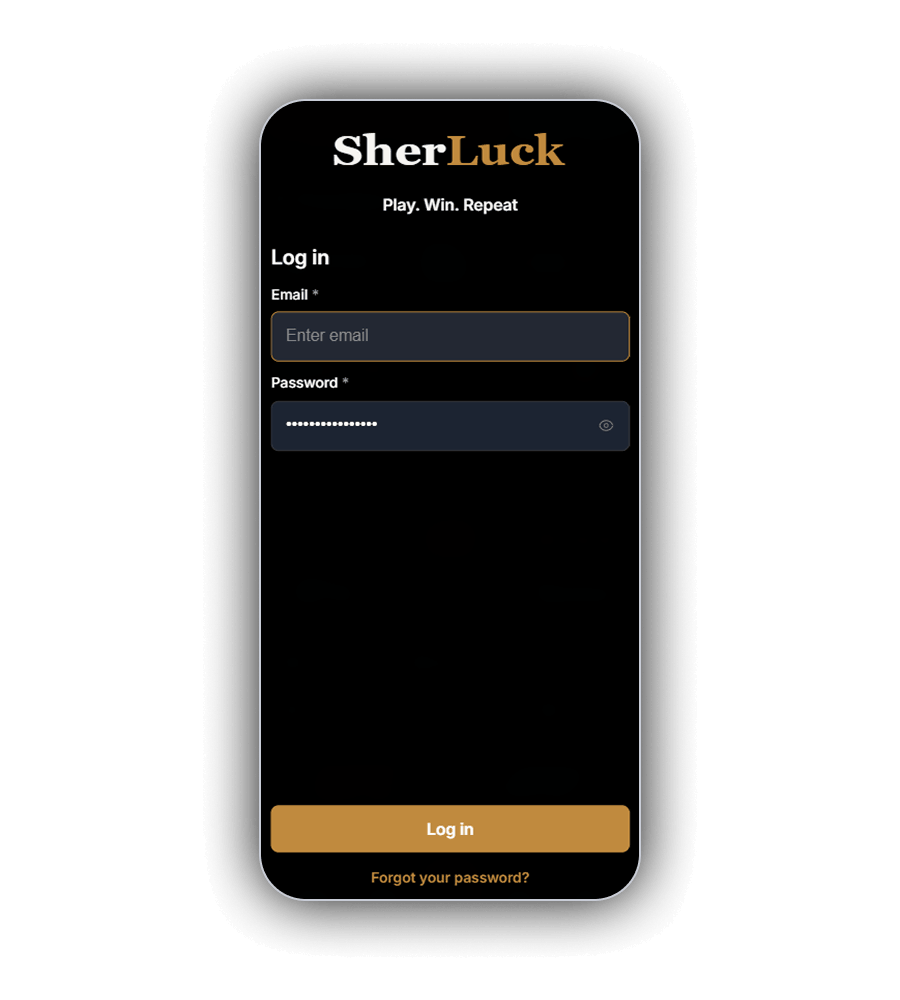
The SherLuck Log in window carries the gold logo and the line "Play. Win. Repeat." It asks for two things only: the email address and the password you registered with. An eye icon shows the password as you type, the gold Log in key sits at the bottom and a Forgot your password link underneath starts a reset. There is no social or phone number sign in.
Opening an account first
Register opens a two step window that takes about one to two minutes.
- Enter your email and a password of 6 to 32 characters that mixes upper and lower case letters with at least one number.
- Tick the required box confirming you are 18 and accept the Terms of Service and Privacy Policy. Marketing by email, SMS and phone is a separate, optional box.
- Press Next Step and add your first and last name, phone number, date of birth, city, address and postcode.
- Confirm your email to unlock the 10 free spins in YOUR REWARDS.
The form shows no country restrictions; they sit in section 3 of the terms instead.
SherLuck on an Android home screen
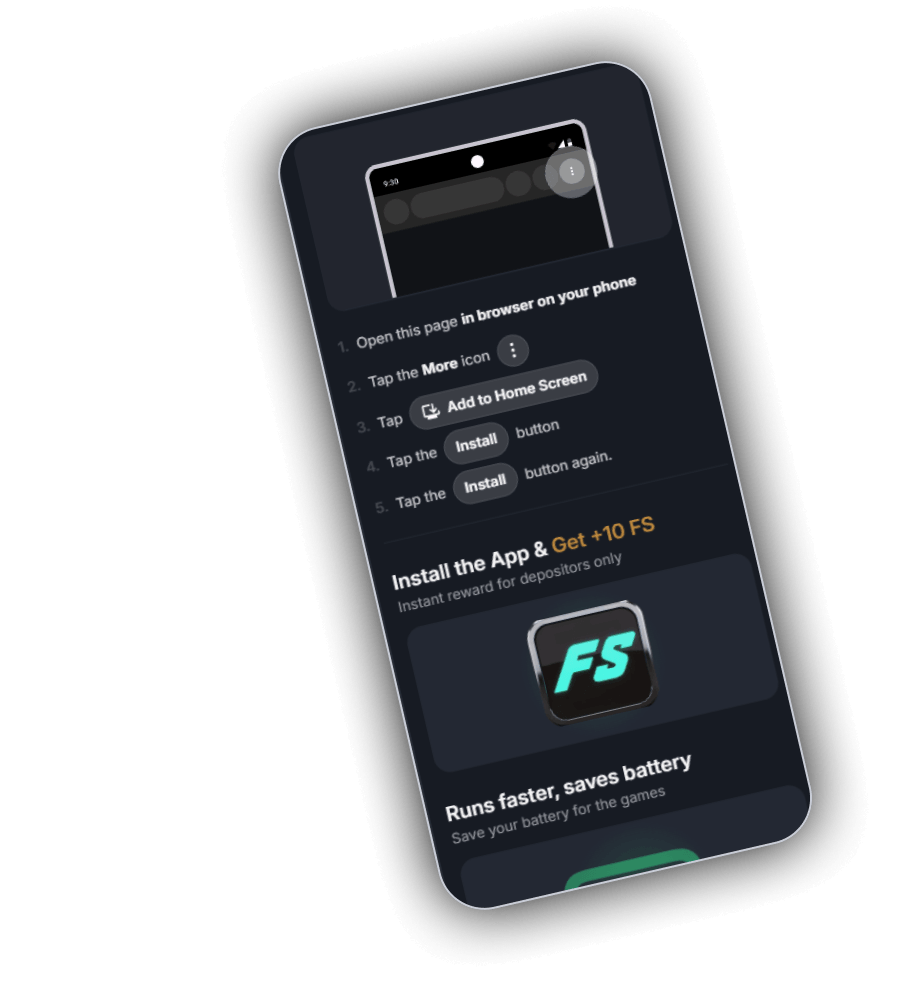
SherLuck has no app in Google Play or the App Store. Its install page adds the site to an Android home screen from the browser instead, and it lists five steps:
- Open the page in your phone browser.
- Tap the More icon.
- Choose Add to Home Screen.
- Tap Install.
- Tap Install again to confirm.
The page headline reads "Install the App and Get +10 FS", marked as an instant reward for depositors only, and a panel below says the app runs faster and saves battery. The mobile site itself is responsive, with the same 13,668 games as desktop.
Reaching SherLuck support
Email is the working channel. Write to [email protected] for anything about your account; [email protected] is kept for self exclusion. The Anjouan validator lists a third address for the licence holder, [email protected]. Replies are in English, the only language on the site.
The refund policy says live chat is available on the website, and the site code refers to a LiveChat widget, but no chat button appeared on any page we opened, signed in or out. SherLuck lists no phone number, help centre or social media accounts. Complaints go to support first and are then escalated internally; no independent dispute service is named.
Safer gambling options
SherLuck is for adults aged 18 and over. A short self assessment of seven questions sits on the responsible gambling page, next to a list of practical tips. Self exclusion is requested by email for a period you choose; it can be made permanent or extended if you ask 24 hours before it ends. The casino can also cap your stake size, with changes taking effect 24 hours later. Accounts can be closed through support, with the real balance refunded minus bonuses and withdrawal charges.
There is no deposit limit, loss limit or reality check in the profile, and the page names no outside help groups. UK readers can get free, confidential support from GamCare and the National Gambling Helpline.